
Skip to content

Grow on X
without living on X.

Find relevant people, publish consistently, and turn interactions into conversations. Track audience growth and campaign performance with clear analytics—all in one workspace.

14-day free trial · Card required
Your
workflow ✳
Discover
relevant people
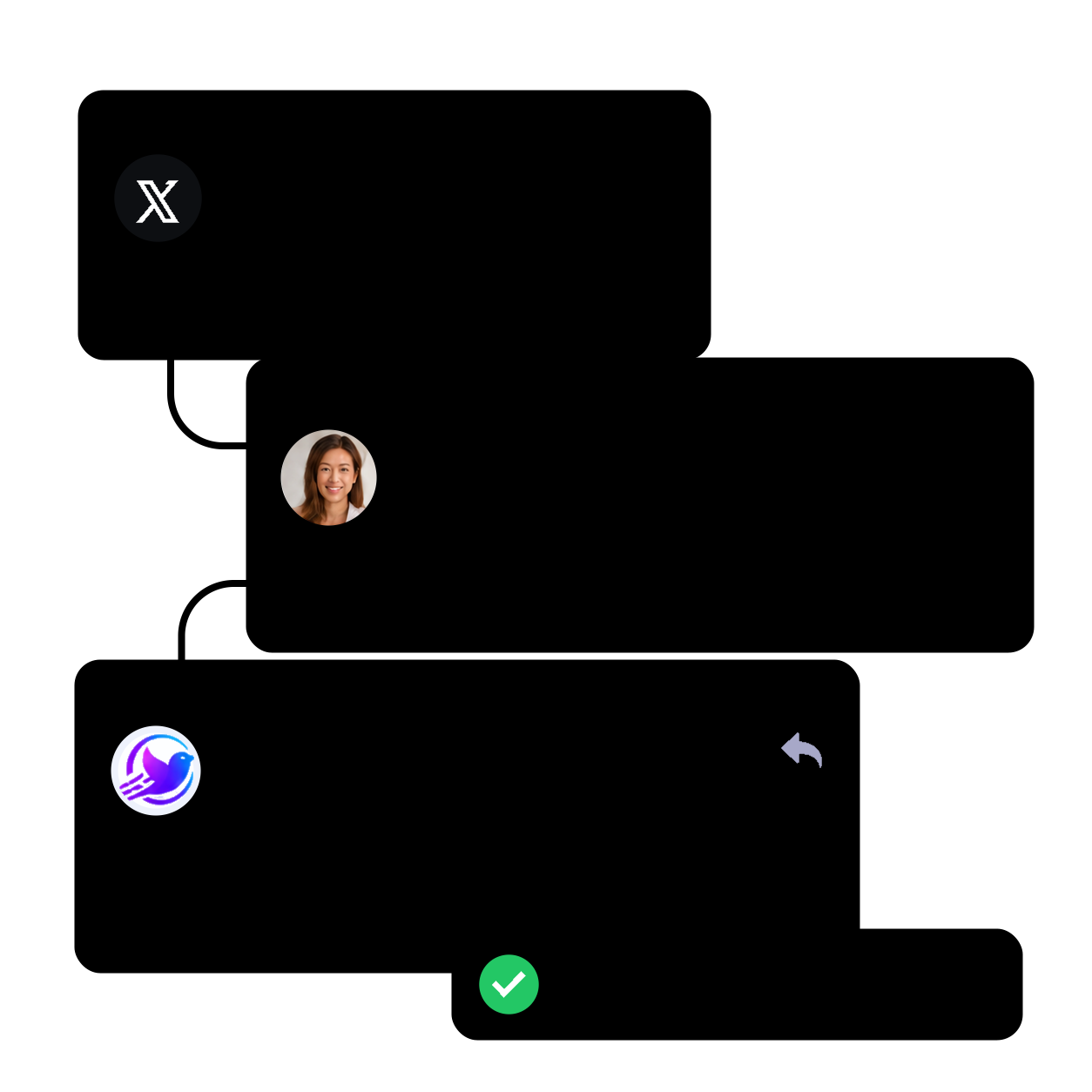
TaskNest @TaskNest · 3h

What tools help your team stay focused?

4218128
Alex Park @alexpark · 3h

How do you keep a team focused?

4212
Your replyFocusFlow @focusflow

One shared priority for the day
is a good start.

Engage
in conversations
New post scheduledTomorrow 9:00 AM

A simple way to build a more
focused workday ☀️

Publish
consistently
Twifly AI Studio

Turn every idea into a post worth sharing with AI.

Create tweets and threads in your voice, get unstuck with fresh ideas, and plan a month of content around your goals.

Generate a month of content

Turn your goals and topics into a collection of posts to fill your content calendar.

Write from a simple goal

Turn a quick prompt into a post that sounds like you.

Build a complete thread

Go from one idea to a structured, ready-to-post thread.

Try AI Writer Included in every plan
Twifly AI Studio preview: create tweets, threads and ideas in your voice, with a bold tone and a month of content.
Rival Intercept

Turn your competitors’ audience into your customers.

Rival Intercept finds people already asking questions, complaining, or looking for alternatives on your competitors’ posts, and helps you reply with something useful, so they discover you.

  1. 1
    Pick your competitors.

    Choose the accounts your ideal customers already follow and talk to.

  2. 2
    Find high-intent conversations.

    Filter by keywords and audience to surface people who are ready to buy or switch.

  3. 3
    Reply on your terms.

    Use your own templates, daily limits, and schedule, so you get steady, natural-looking engagement instead of spam.

Explore Rival Intercept
Rival Intercept example: find a potential customer on a competitor's post, reply with a useful alternative, and gain a new lead.
Twifly

Create once. Publish your way.

Share now, schedule ahead, or add to your queue.

Consistency beats occasional brilliance.
Share one useful idea with your audience today.

GIF 112 / 280
Add to queue Schedule Publish now
Posts, Threads & RSS

A month of X content, scheduled in minutes

Plan posts and threads in advance, manage your publishing queue, and turn new RSS articles into ready-to-publish posts, so your audience stays engaged even when you’re busy.

Posts & threads

Schedule individual posts or complete threads.

Publishing queue

Keep upcoming content organized in one place.

RSS autopost

Turn new articles into posts with relevant filters.

Explore publishing
Influence Boost

Show up where your niche is already paying attention.

Pick the influential accounts in your niche. Twifly engages with their new posts for you, so their followers see your name and check out your profile, without you refreshing X all day.

Steps

  1. 01
    Pick up to 3 accounts

    Choose the creators your audience already follows. Twifly watches their new posts.

  2. 02
    Choose how to engage

    Like, repost, or reply to their posts. For replies, use your own templates so they sound like you.

  3. 03
    Stay in control

    Set post filters and daily action limits to keep your activity natural. Pause anytime.

Explore Influence Boost

From relevant posts to meaningful visibility

Monitoring
Accounts you chooseUp to 3 voices
Jordan Lee@jordanlee
Maya Chen@mayachen
Alex Morgan@alexmorgan
Relevant post found Focus match

What is one habit that helps your team stay focused?

12831

A short daily check-in helps us align priorities and protect focus time.

Reply from your template
Like enabled Repost enabled Reply enabled
Your profile appears in the conversationA chance to be discovered by a relevant audience.
Analytics & reporting

Know what drives
your X growth

Twifly connects post performance, reply engagement, campaign actions, account growth, and conversions in one clear analytics view.

Post & reply analytics

Track views, likes, replies, follows, profile visits, link clicks, and engagement rate for each tweet or reply.

Account growth dashboard

See follower growth, campaign activity, replies, posts published, and growth trends over time.

Conversion insights

Understand which actions and conversations turn into audience growth, clicks, and follow-backs.

Example Twifly analytics dashboard showing follower growth, post and reply performance, conversion insights, and campaign activity.
Build a relevant X audience

Find people who share your audience’s interests.

Start with an account or a topic. Twifly finds relevant people using the profile filters and daily limits you choose.

Mirror Follow

Start with an account

Find people who follow a competitor or niche leader.

Example followerExample followerExample follower
Their followers
Your profile filters
Relevant personRelevant personRelevant people to follow

Reach people already interested in your space.

Keyword Hunter

Start with a topic

Find people posting about the topics your business serves.

#SaaS · product growth
Example post author@alicesmith · 2hBuilding a better onboarding flow…
Example post author@mattjones · 5hWhat helps a SaaS product grow?
People discussing your topic
Your profile filters
Relevant authorRelevant authorRelevant authors to follow

Reach people actively talking about your niche.

Direct Messages

Start conversations that grow your business.

Manage X direct messages from one workspace. Welcome new followers, reach selected contacts, and schedule useful follow-ups with messages you write and sending limits you control.

Auto DM

Greet new followers or people replying to your posts. Personalize the message and choose a delay.

Bulk Outreach

Send a tailored introduction or resource to a defined contact list within your sending limits.

DM Sequence

Plan a series of messages with timed follow-ups, so each recipient gets a clear next step.

DM Scheduler

Schedule individual messages for a chosen date and time, then review their delivery history.

Taylor KimTaylor Kim@taylorkimWelcome

Hi Taylor 👋
Thanks for the follow. I’m building tools to help teams grow on X. Would love to stay in touch and share useful resources!

Tomorrow at 9:00 AM
New followerPersonalized delay
Support your growth

Build a relevant audience. Keep your brand active.

Keep conversations moving, engage around relevant topics, and manage who you follow with rules you choose.

Keyword Engage

Find people talking about the problem you solve.

Twifly finds posts about your topics and engages with the people behind them, so you reach potential customers before they’ve picked a solution.

  1. Add the keywords your customers use
  2. Choose likes, reposts, or replies
  3. Set a daily limit for each action

Smart Reply

Never leave a mention or reply unanswered.

Respond to people who engage with you using messages you configure, and give each one a clear next step like a link, an offer, or a question.

  1. Choose mentions, replies, or both
  2. Rotate up to three reply templates so replies don’t repeat
  3. Filter by keyword and avoid replying to the same person twice

Smart Unfollow

Keep your profile clean and credible.

Clear out inactive or irrelevant accounts with rules you set, so your following list stays focused on people who matter to your niche.

  1. Protect followers and accounts you followed manually
  2. Filter by follower count and account age
  3. Exclude accounts by bio keywords
Customer stories

Customers growing with Twifly

Real creators and teams share how Twifly helps them stay consistent, find relevant people, and turn conversations into growth.

Loved by active12K+ creators
4.9/5feedbackBuilt forX growthCreators& founders1 workspacefor growth
Publishing
“Posts, threads, and RSS content finally feel organized.”
Taylor KimTaylor KimIndependent creator
Growth
“I can find people already talking about my niche.”
Jordan LeeJordan LeeSaaS founder
Conversations
“Follow-ups feel easier to manage from one place.”
Alex ParkAlex ParkCommunity manager
Growth
“It helps me stay active without switching tools.”
Maya ChenMaya ChenCreator
Before you start

Frequently asked questions

Getting started, billing, and managing your plan.

Contact support
How does Twifly connect to X?

Create your Twifly account, install the Twifly Chrome extension, and follow the guided connection steps in Settings to link your X account.

What happens after the trial?

Your card is charged for the selected plan when the trial ends unless you cancel beforehand. Review the amount and billing cycle at checkout. Manage your subscription from Billing.

Can I change or cancel my plan?

Yes. Change your plan or request cancellation from Billing. Cancellation takes effect at the end of the current billing period.

Build your next audience connection.

Start 14-day trial

Choices expire after 180 days or when the consent version changes.